


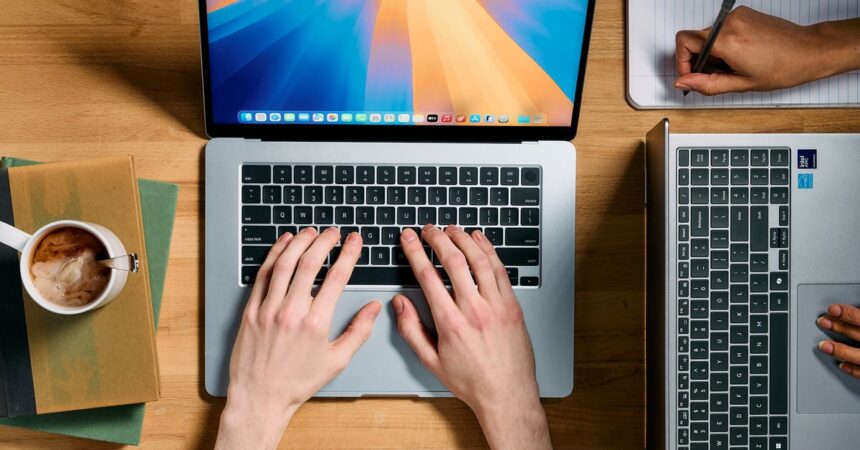
When you’re shopping for a laptop, the two biggest questions are: What do you need to do on your laptop? And how much do you have to spend on it? With those questions in mind, here are the features we looked for.
Performance: We looked for laptops that are fast enough for everyday browsing, including checking email and social media, banking, and streaming video from services like YouTube and Netflix. That put our focus on models with a midrange processor and 16 GB of memory, though if you’re on a tight budget or seeking a laptop only for light tasks like browsing and checking email, you can get by with a less powerful processor and 8 GB of memory.
Price: Excellent laptops like our picks — those that offer reliable performance, sturdy build quality, and large displays — typically cost around $1,000. We also have cheaper picks, but these budget laptops make significant trade-offs in performance, display size or quality, and sturdiness.
Budget MacBook options are limited, and though good Windows laptops under $500 exist, they’re rare. In this price range, Chromebooks tend to be faster and free of bloatware (unnecessary, manufacturer-loaded software that clutters the computer and slows it down), which is a scourge on cheap Windows laptops.
If you’re shopping on a budget, consider a used or refurbished laptop. If you follow our advice on what to look for, you can find an excellent computer from the past couple of years that’s speedy enough for everyday browsing.
Operating system: We recommend sticking with the operating system you’re most familiar with. We asked a panel of testers to provide feedback on the setup process and accessibility settings within macOS, Windows, and ChromeOS, and we found that no one operating system is better than another for accessibility features. Our testers found things they liked and disliked across all three operating systems and concluded that they preferred the operating system they were already comfortable with.
Beyond familiarity, consider your other devices. If you already have an iPhone, a MacBook will let you make FaceTime video calls and access your iCloud photos. Windows can sync with Android phones and iPhones now, too. And ChromeOS provides quick setup options if you have an Android phone.
Support: The next question concerns how easy it will be to get support for your laptop if something goes wrong. What operating system do your most tech-savvy relatives and friends use? If you want the best service for your computer and can take your laptop to a nearby Apple Store to get it fixed, choose a Mac. No other computer maker provides that level of support.
Organizations such as AARP’s Senior Planet also provide tech-learning resources, including a free questions hotline, one-on-one tech-tutoring sessions, and online and in-person classes and workshops. Numerous local organizations provide similar support; it’s worth researching what’s available in your area.
Display: Laptops with a 15- or 16-inch display have enough room for you to comfortably increase the size of text and UI elements. Even-larger displays are available only in much heavier, bulkier laptops, and smaller displays become cramped and cluttered when you increase the scaling settings. Touch displays are polarizing — they can be useful as an alternative input option, but desktop operating systems are not designed with touch in mind, and buttons are often small and difficult to tap. Voice controls can often be a better input option than touch displays.
Weight: Nowadays you can get a laptop with a large display that weighs less than 3.5 pounds. If you want an even lighter laptop — say, less than 3 pounds — you’ll have to settle for a smaller, 13- or 14-inch screen.
Keyboard and trackpad: We looked for comfortable keyboards with well-spaced, backlit keys that have large, easy-to-read legends, and trackpads that are accurate and responsive. If a keyboard or trackpad doesn’t meet your needs, though, you can always pair a laptop with a more comfortable external keyboard or mouse, or use voice controls to navigate.
Biometric login: We preferred laptops that support login via fingerprint or face, which allows you to gain instant access without having to remember and type in a password every time. Fingerprint readers aren’t always as reliable for older people because skin elasticity changes as you age, so we prefer laptops that offer both biometric options.
Webcam: If you plan to use your laptop for frequent video calls with family and friends, we recommend a laptop with a 1080p or better webcam, and a physical shutter provides peace of mind by physically covering your webcam when you aren’t using it.
Speakers: Most laptop speakers suck — they don’t get especially loud, and they often sound harsh and buzzy. If you have hearing loss, the best approach is to use hearing aids in combination with operating-system-level features such as captions.
This article was edited by Caitlin McGarry and Claire Perlman.