


Windows is driving me bonkers. And I’m not alone.
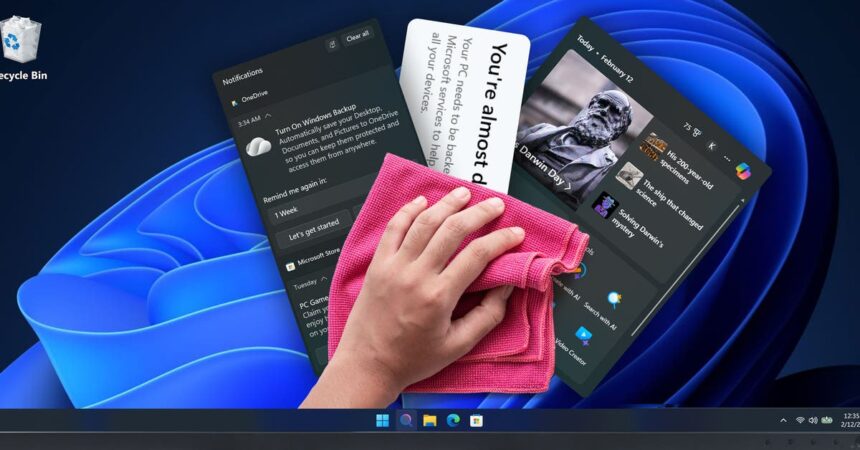
As Wirecutter’s laptop expert, I test a whole lot of Windows laptops; last year, I tested 73 of them. Setting up a brand-new Windows 11 laptop requires clicking through more than 25 screens. Once I’ve traversed that gauntlet, I’m inundated with ads on the lock screen and desktop, notifications about Game Pass, reminders to enroll in Windows Backup, and a full-screen “Finish setting up your PC” pop-up. I haven’t been this annoyed since Clippy. Please, just let me use the computer!
Following the end of Windows 10 support in October 2025, many people have updated or upgraded to Windows 11. But some Windows users have told me that they refuse to upgrade because they don’t like the feeling of being constantly upsold, and still others have (heaven forbid) switched to Linux. Microsoft knows that this is a problem, and the company recently told The Verge that it’s working to fix “system performance, reliability, and the overall experience of Windows” this year.
But until those improvements actually roll out, we still have to use our PCs. Here are a few quick and easy steps you can take to minimize those annoyances and reclaim your computer.